
Connection & owner access
We configure compatible communications, connect the station and arrange owner access to the supported platform. Remote viewing requires internet and a working site connection.
Stage 04 / 04
Understand your station: solar generation, energy use and battery condition in a clear mobile interface.
Koh Samui · Koh PhanganDiscuss your project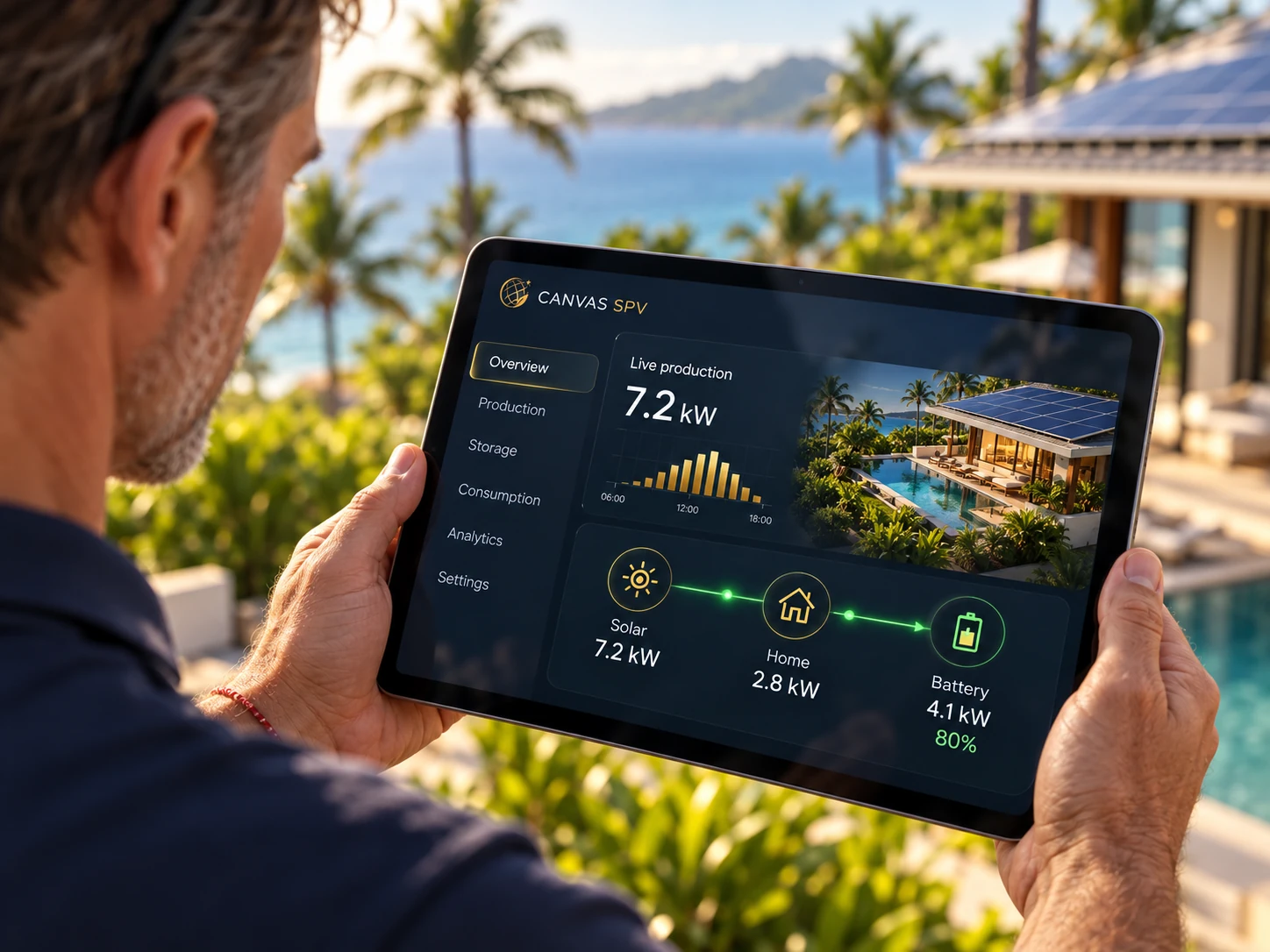
Owner access to the app
Connected data reporting
Explanation of key indicators
Scope of work
We connect monitoring supported by the selected equipment. We show actual app screens and explain the indicators so owners can understand the station without complicated technical steps.
We configure compatible communications, connect the station and arrange owner access to the supported platform. Remote viewing requires internet and a working site connection.
We explain generation, demand, grid exchange and battery charge. Available metrics, update intervals and history depend on the inverter, meters, sensors and manufacturer platform.
We explain available alerts and reports, which events need service attention and how to check connectivity. An app does not automatically provide remote access to every setting.
CANVAS SPV
Review available station indicators remotely while the property has working internet.
Agree access and responsibility for notifications and service requests.
Generation and consumption history helps assess the system in the context of actual use.
What shapes the system
Useful monitoring means understanding the numbers. We explain power versus energy, charge level versus usable reserve, and generation versus savings.
Selected equipment platform and communications module.
Meters and sensors needed for the required indicators.
Internet, roles and account handover.
What you receive
Have a reliable internet connection and a device for the app. Access permissions and account handover are agreed during setup.
Equipment operation follows its configuration. Remote data and alerts may be unavailable without internet.
We use a compatible equipment manufacturer platform. The interface and features depend on the selected equipment.
Koh Samui · Koh Phangan
Tell us about your property and priorities. We will identify the information needed for an informed proposal.